WerkIQ
WerkIQ Asset Management

Track Every Company Asset Assigned to Employees

Know who has what, when it was issued, and when it is due back. WerkIQ Asset Management helps IT and HR teams track laptops, mobile devices, and equipment from allocation through return.
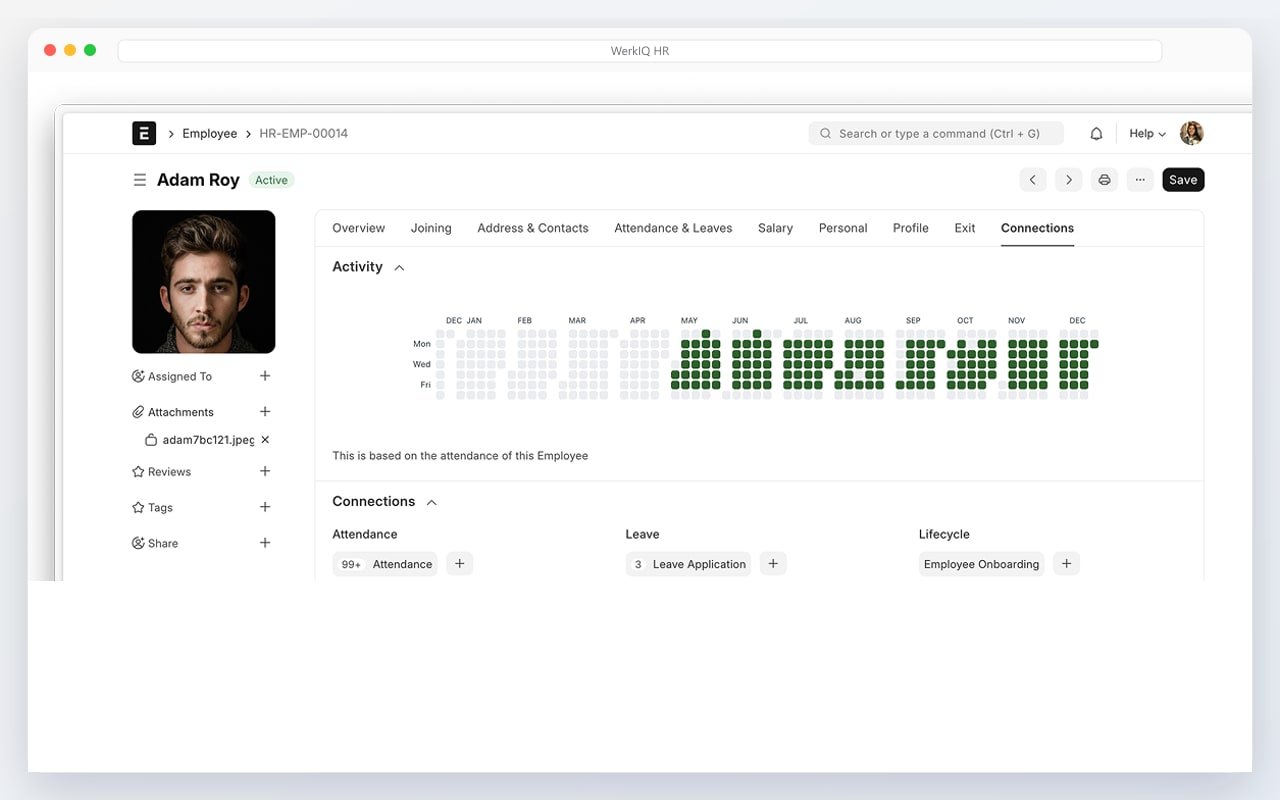
WerkIQ asset management with laptop allocation and equipment tracking
Assets, Accounted For

Company equipment shouldn't disappear when employees leave.

WerkIQ Asset Management gives IT and HR teams a central register for company assets, linking each item to an employee with allocation dates, warranty details, return status, and full history for audits and offboarding.

Everything You Need to Manage Company Assets

Asset Register

Maintain a complete inventory of company assets.

  • Asset ID & serial numbers
  • Asset categories
  • Purchase date & cost
  • Vendor information
  • Asset condition status
  • Location tracking
  • Asset search & filter

Laptop Allocation

Assign and track laptops issued to employees.

  • Laptop assignment records
  • Model & specifications
  • Issue date tracking
  • Employee linkage
  • Return due dates
  • Replacement history
  • Allocation reports

Mobile Devices

Manage phones and tablets assigned to staff.

  • Device type & model
  • IMEI & serial tracking
  • SIM & plan details
  • Employee assignment
  • Device return workflow
  • Lost device reporting
  • Mobile asset history

Equipment Tracking

Track desks, monitors, and other workplace equipment.

  • Monitor assignments
  • Peripheral tracking
  • Desk & chair allocation
  • Access badge management
  • Equipment categories
  • Bulk asset import
  • Equipment inventory

Asset Return

Manage returns during offboarding or role changes.

  • Return checklist
  • Condition assessment
  • Return confirmation
  • Offboarding integration
  • Missing asset alerts
  • Return receipt records
  • Reallocation workflow

Warranty Tracking

Stay ahead of warranty expirations and renewals.

  • Warranty start & end dates
  • Warranty provider details
  • Expiry reminders
  • Repair history
  • Extended warranty tracking
  • Warranty claim notes
  • Warranty status reports

Asset History

Full audit trail for every asset lifecycle.

  • Assignment history
  • Transfer records
  • Repair & maintenance logs
  • Condition change notes
  • Disposal records
  • Timeline view
  • Export to Excel & PDF

Asset Reports

Analyze asset utilization and compliance.

  • Assets by employee
  • Unassigned asset list
  • Warranty expiry report
  • Asset value summary
  • Department asset breakdown
  • Return pending report
  • Asset lifecycle analysis

Automate

Powerful Asset Management Automation

Keep asset records current without manual follow-ups.

  • Onboarding asset assignment triggers
  • Offboarding return reminders
  • Warranty expiry alerts
  • Missing return notifications
  • Asset transfer confirmations
  • IT provisioning task creation
  • Annual asset audit reminders
  • New hire equipment requests
  • Asset condition review prompts

Reports Include

Reports & Analytics

Understand asset allocation and utilization across the organization.

  • Total asset inventory
  • Assets assigned by employee
  • Unassigned asset summary
  • Warranty expiry list
  • Asset value by department
  • Return pending report
  • Asset lifecycle summary
  • Lost or damaged assets
  • Purchase & depreciation trends
  • Offboarding asset checklist

Why Choose WerkIQ Asset Management

Employee Linked

Every asset connects to an employee record for full traceability.

Offboarding Ready

Return checklists trigger automatically when employees leave.

Warranty Visibility

Never miss a warranty expiration with automated reminders.

HR Integrated

Asset allocation connects with onboarding and employee management.

Audit Trail

Complete history of every assignment, transfer, and return.

IT Friendly

Built for IT teams managing devices across growing organizations.

Integrations

Connect asset management with HR and IT workflows.

Swipe or use arrows to browse integrations

Microsoft 365
Google Workspace
Slack
Microsoft Teams
Outlook
LDAP / SSO
Email services
REST API
Webhooks

Features

Security & Permissions

Control who can allocate, transfer, and view assets.

  • IT admin permissions
  • Asset allocation controls
  • Audit logs on changes
  • Role-based asset access
  • Two-factor authentication
  • Single Sign-On (SSO)
  • Asset disposal authorization

Frequently Asked Questions

Yes. Record laptop models, serial numbers, issue dates, and link each device to an employee.

Never Lose Track of Company Assets Again

Give your IT and HR teams an asset management system that keeps equipment accounted for from hire to exit.

Prefer to talk live? Book a meeting on Cal.com