WerkIQ
WerkIQ Digital Timesheet

Digital Timesheets Your Team Will Actually Use

Let employees log hours against projects and tasks, route timesheets through clear approvals, and hand clean time data to payroll every cycle.
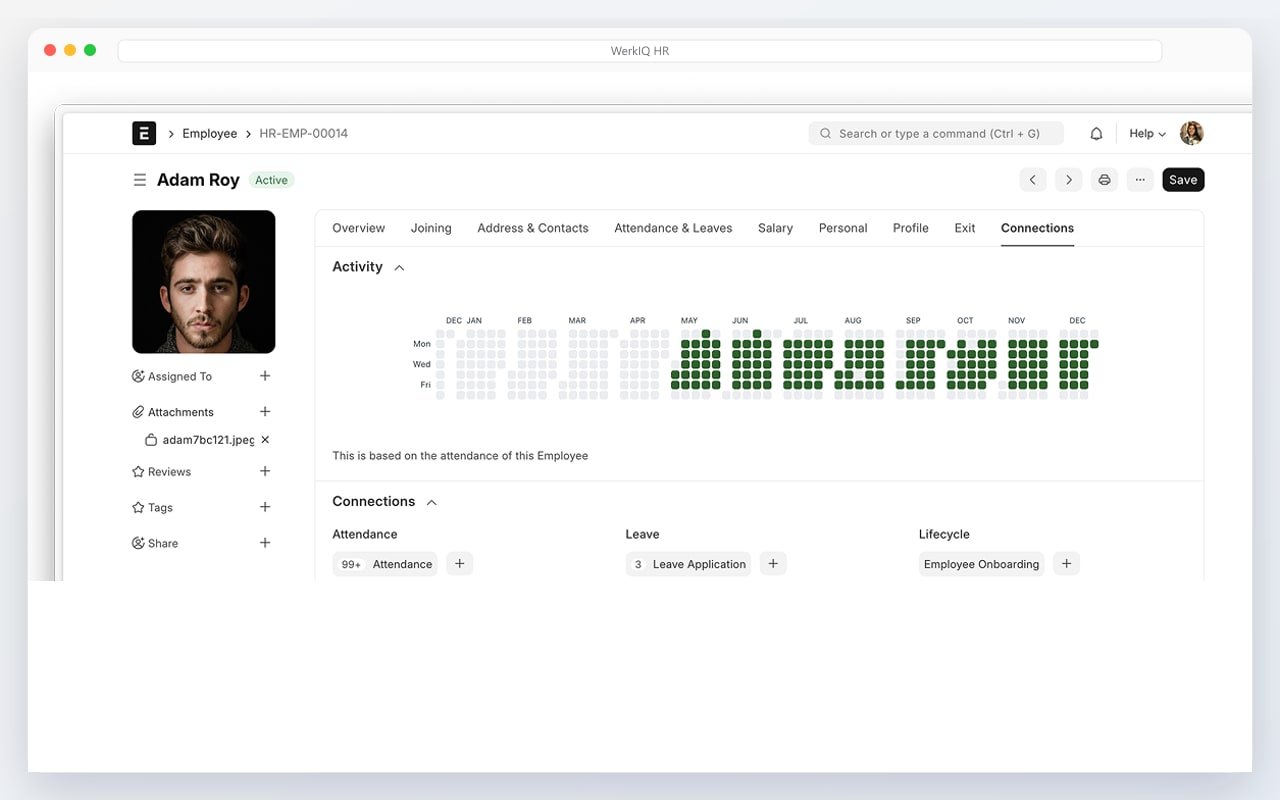
WerkIQ digital timesheet with weekly hours and approval status

Trusted by Modern Businesses

Praxis Afscharian
IKBE
Times Consultant
Time, Made Clear

Timesheets shouldn't live in email threads and shared spreadsheets.

WerkIQ Digital Timesheet gives employees a simple way to record hours, managers a reliable approval path, and payroll teams approved time they can trust before every pay run.

Everything You Need to Manage Timesheets

Time Entry

Make it easy for employees to log work hours.

  • Daily and weekly time entry
  • Clock in / clock out
  • Manual hour adjustments
  • Break and overtime logging
  • Draft and submit workflow
  • Mobile-friendly entry
  • Entry history

Projects & Cost Centers

Tag hours where the work actually happened.

  • Project and task tagging
  • Cost center allocation
  • Billable vs non-billable hours
  • Client or job codes
  • Department defaults
  • Favorite projects

Timesheet Periods

Keep submissions on a predictable cycle.

  • Weekly timesheet periods
  • Bi-weekly periods
  • Custom period templates
  • Open and close windows
  • Late submission rules
  • Period reminders

Approval Workflows

Route timesheets to the right approvers automatically.

  • Manager approval rules
  • Multi-level approvals
  • Approval delegation
  • Rejection with comments
  • Approval notifications
  • Escalation on delay
  • Bulk approve

Overtime & Rules

Apply company time rules before hours reach payroll.

  • Overtime thresholds
  • Weekend and holiday rules
  • Daily hour limits
  • Required notes on exceptions
  • Policy violation alerts
  • Configurable time policies

Payroll Handoff

Send approved hours into payroll cleanly.

  • Approved hours export
  • Payroll module sync
  • Pay-period cutoff locks
  • Exception reports
  • Correction cycles
  • Audit-ready time totals

Manager Visibility

See who submitted, who is late, and what is waiting.

  • Team timesheet status
  • Pending approval queues
  • Missing timesheet alerts
  • Utilization snapshots
  • Project hour totals
  • Export to Excel & PDF

Employee Self-Service

Give people a clear view of their own time.

  • Personal timesheet history
  • Approval status tracking
  • Edit before submit
  • Comments on entries
  • Notifications on decisions
  • Download own summaries

Automate

Powerful Timesheet Automation

Keep submissions, reminders, and approvals moving.

  • Period open reminders
  • Missing timesheet alerts
  • Manager approval routing
  • Overdue approval escalations
  • Overtime threshold warnings
  • Payroll cutoff notifications
  • Weekly submission digests
  • Auto-lock after period close
  • Approved hours sync to payroll

Reports Include

Reports & Analytics

Understand where time goes across people and projects.

  • Timesheet submission status
  • Pending approvals
  • Approved vs rejected hours
  • Employee hour summaries
  • Project and task totals
  • Billable vs non-billable
  • Overtime reports
  • Department utilization
  • Missing timesheet list
  • Payroll-ready hour exports

Why Choose WerkIQ Digital Timesheet

Simple for Employees

Log hours quickly from desktop or mobile without spreadsheet templates.

Clear Approvals

Managers get a clean queue instead of chasing email attachments.

Payroll Ready

Approved time flows into payroll with fewer manual copy steps.

Project Visibility

See billable and non-billable hours by project, task, or cost center.

Policy Controls

Catch overtime, missing notes, and late submissions before pay day.

Audit Trail

Keep entries, approvals, and corrections in one place for review.

Integrations

Connect time tracking with HR, payroll, and collaboration tools.

Swipe or use arrows to browse integrations

Microsoft 365
Google Workspace
Slack
Microsoft Teams
Outlook
ERP systems
REST API
Webhooks

Features

Security & Permissions

Control who can enter, approve, and export timesheet data.

  • Role-based timesheet access
  • Approver permissions
  • Period lock controls
  • Audit trail on approvals
  • Two-factor authentication
  • Single Sign-On (SSO)
  • Export permission rules

Frequently Asked Questions

Yes. Configure weekly, bi-weekly, or custom periods so employees submit on a predictable cycle.

Stop Chasing Spreadsheets. Start Approving Clean Hours.

Give your team a modern timesheet system that saves time for employees, managers, and payroll.

Prefer to talk live? Book a meeting on Cal.com